
Advice · 17 June 2026 · 7 min read
Pro video editor or free app: which should you choose?
CapCut, DaVinci, watermarks, hours spent… when editing it yourself is enough, and when a professional editor genuinely pays off.
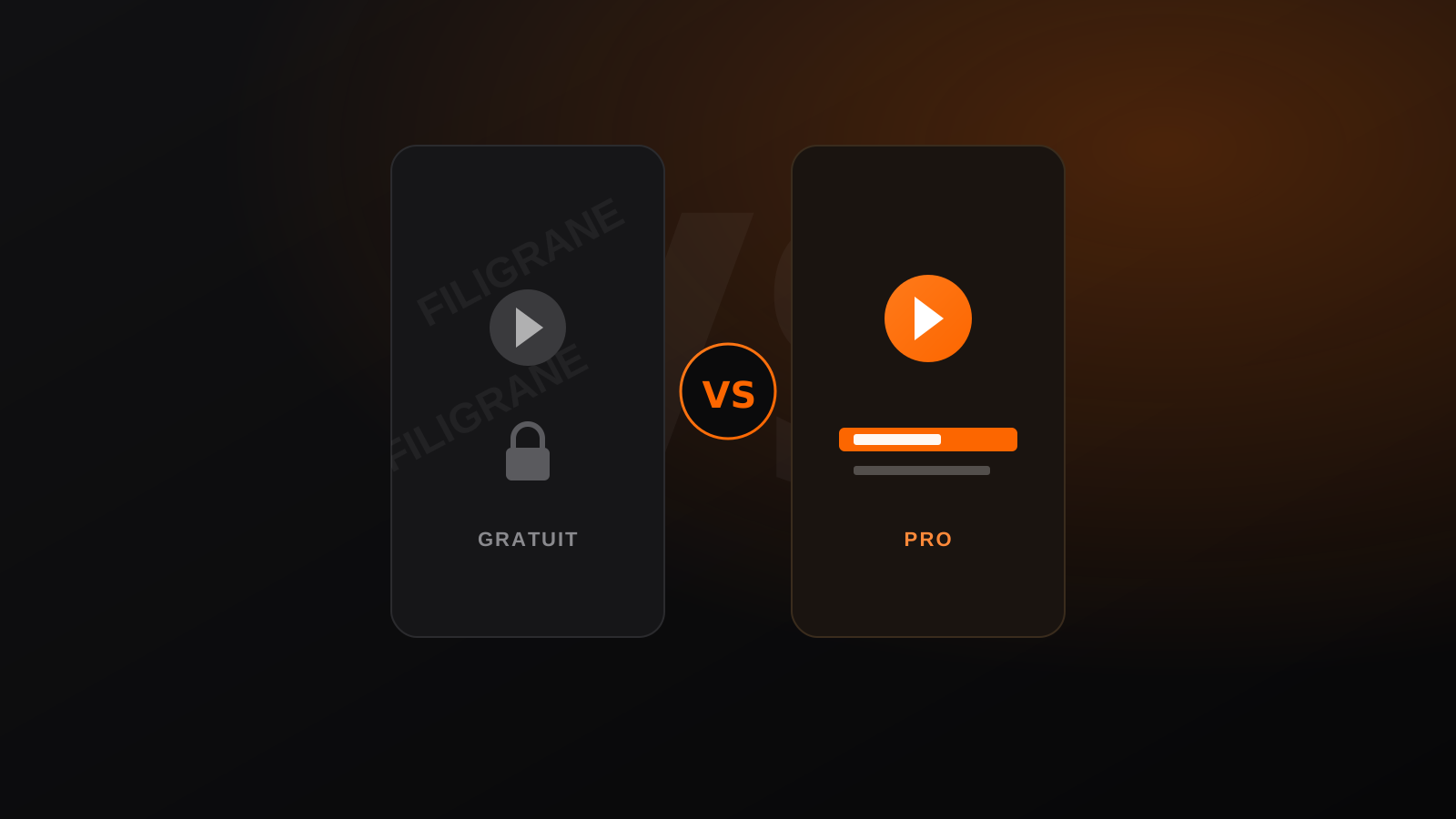
Torn between free video editing software and a professional video editor for your next videos? The question comes up with almost every creator and brand we work with in Lausanne. Today, video editing like CapCut is within everyone's reach: download the app, drop in your footage, and twenty minutes later you have a Reel. But between "good enough" and "this sells" there is a gap most people only see once they have fallen into it.
In this article we compare both approaches honestly, without selling you a dream or talking down free tools. The goal: helping you know when to edit yourself with an app, and when handing the edit to a professional genuinely pays off.
What free apps really do very well
Let us be clear: CapCut, CapCut Pro and the free version of DaVinci Resolve are excellent tools. For many needs they cover 80 per cent of the work without spending a franc. Their strength is speed and accessibility, especially for the vertical formats of social media.
- Ready-made templates that lock your shots to the beat in a few clicks.
- Automatic subtitles generated on the spot, with two minutes of corrections.
- Transitions, effects and royalty-free music built straight in.
- A fast export in the right format for TikTok, Reels or YouTube Shorts.
To publish three stories a week or test a format, that is more than enough. And the free version of DaVinci Resolve goes much further still, with cinema-grade colour grading — provided you accept a real learning curve.
The watermark trap on your exports
The first wall most users hit is the watermark. You pick an attractive template, you export, and the app's logo sits right in the middle of your video. Getting a video edit without a watermark often means switching to a paid subscription or avoiding every element marked "premium".
In practice, to avoid the watermark: only use effects and templates flagged as free, check every export on a big screen before publishing, and beware of "pro" fonts or stickers that impose their branding. It is doable, but it limits your creative options — and a watermark left on a sponsored video looks instantly amateur to a client.
The limits nobody shows in tutorials
Free apps show their weaknesses on everything that requires finesse. A template applies the same rhythm to everyone: your video ends up looking like thousands of others. Automatic grading flattens the tones, the sound design stays basic, and the mix often leaves a voice buried under the music.
Then there is the real time spent. A "quick" 45-second Reel edited yourself easily takes two to three hours when you want a clean result: sorting footage, syncing, subtitles, matching the music, corrections. Multiply that by eight videos a month and you have half a week of work that generates neither a client nor revenue.
When editing it yourself is plenty
There is nothing shameful about doing it yourself — quite the opposite. In several situations it is the smarter choice. No point paying a professional for content that has not proven its worth yet.
- You are testing a new format and just want to validate an idea.
- Your volume is low: one or two videos a month, with no direct commercial stake.
- Your budget is tight and every franc counts elsewhere.
- The content is ephemeral, like a daily story that disappears in 24 hours.
In those cases, free video editing software does the job perfectly. Learning the basics will also make you more demanding and clearer the day you delegate.
When a pro editor starts to pay off
The maths changes as soon as video becomes a serious channel. If you publish regularly, if your brand image matters, or if your videos have to convert prospects, video editing like CapCut quickly hits its ceiling. A professional video editor brings a consistent visual identity, pacing built for retention and clean sound that holds attention beyond the first three seconds.
The return on investment then reads simply. Our video editing service starts from CHF 80 an hour, and a better-edited video that holds an audience two seconds longer generates more views, more followers and, at the end of the chain, more inbound enquiries. Meanwhile you get your hours back to sell, shoot or run your business.
DIY and pro are not necessarily opposites
The good news is that you do not have to pick a side forever. Many of our clients keep the DIY reflex for quick stories and hand us their strategic content: the launch video, the channel's signature format, the ad, or the capsules from a carefully planned shoot.
That split is often the healthiest. You edit what is disposable yourself, and delegate what carries your brand. And when the shoot also needs a crew and gear, our production arm takes over upstream of the edit, to deliver a coherent video from the first shot to the final export.
In short
Free apps like CapCut or DaVinci Resolve are perfect for testing, publishing fast and learning — as long as you watch out for the watermark and accept a sometimes generic result. As soon as video becomes a real growth lever, a pro editor buys back time and credibility. If you want to delegate and get a clean result, with no watermark and true to your image, let's talk about your project: our video editing service exists to turn your footage into videos that perform.
An editing project?
We turn your rushes into video that holds attention — Reels, YouTube, podcasts. From CHF 80/h, anywhere in French-speaking Switzerland.