
Tutorial · 17 June 2026 · 8 min read
How to edit video well: a professional's 7 steps
From logging to export: the 7 steps a professional editor follows to turn raw footage into video that holds attention.
You have shot hours of footage, but what you see on screen still feels flat, too long, with no rhythm? The question of how to edit a video that genuinely holds attention does not depend on some magic software, but on a method. At Randy Guine, in Lausanne, we edit social capsules, brand films and interviews every week. In this article we share the exact process our editors follow, in seven concrete steps, to turn a folder of raw files into a clean, fluid, professional video.
Before diving into the method, one useful foundation for beginners: knowing precisely what the video editing steps are changes everything, because it stops you doing it all at once and burning out in the disorder.
What is video editing, exactly?
Many people ask what video editing actually is: it is not just "cutting bits out". Editing is the craft of assembling images, sound and text in an order and a rhythm that tell a clear story. The same shoot can produce a boring film or a gripping one depending on the choices made in post-production. That is where 50 per cent of the final result is decided.
In practice, the editor decides what to keep, what to throw away, in what order the shots appear, and how the viewer's emotion is guided. Here are the seven steps we follow, in order, on every project.
The 7 steps of a professional edit
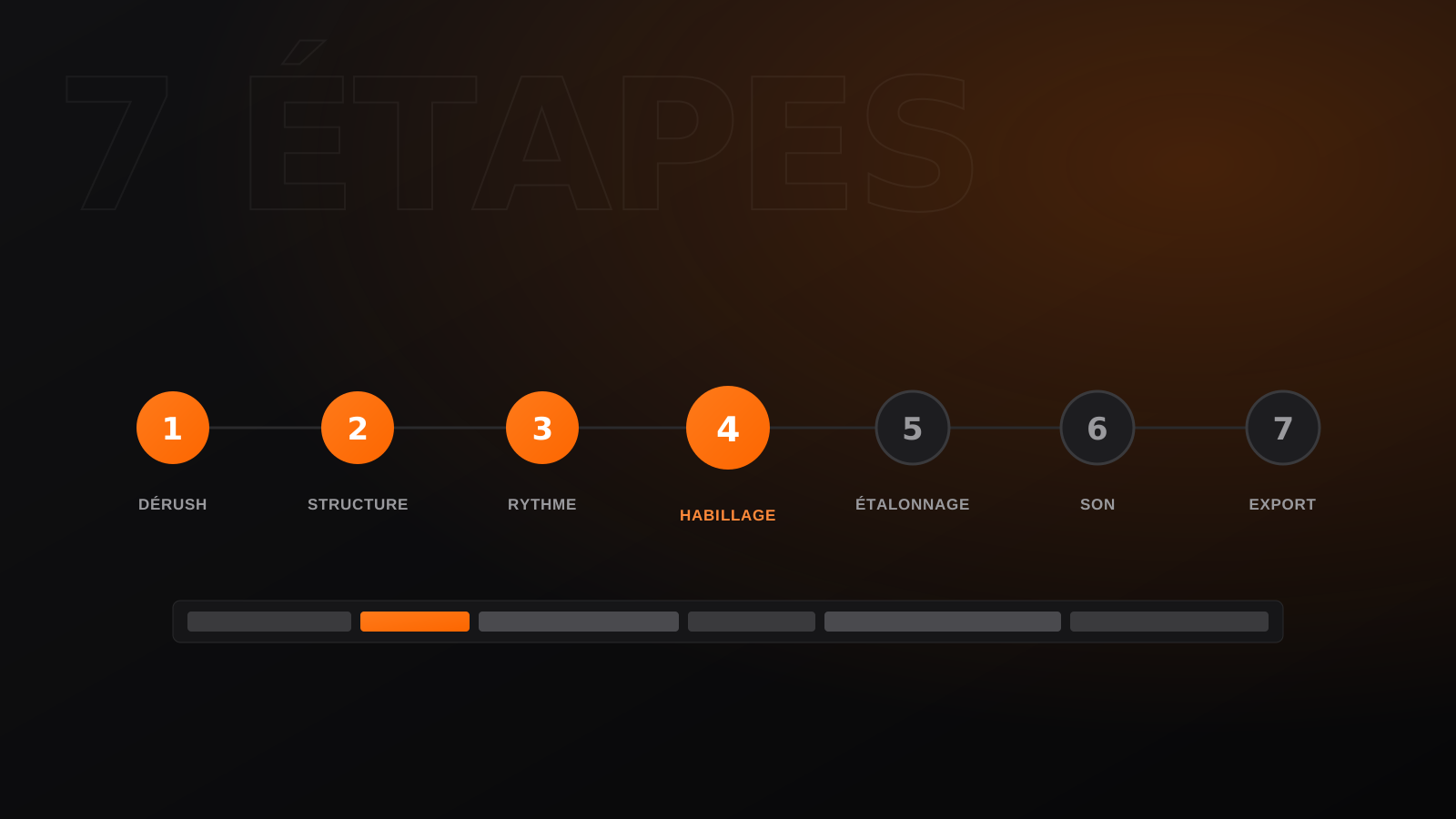
Before going into each one, here is the overview of the run-through we apply in-house:
- Logging and sorting the footage.
- Narrative structure and scripting the edit.
- Rough cut, pacing and removing dead air.
- Graphics and motion design.
- Colour grading.
- Sound design and mixing.
- Subtitles and multi-format export.
1. Logging and sorting the footage
Logging is the first step, and the one everybody wants to skip. That is a mistake. Watching all of your footage, noting the best takes and discarding the failures (soft framing, cut sound, hesitation) saves you a huge amount of time later. On a one-day shoot, count on two to three hours of logging for twenty minutes of finished film.
Our advice: create clear folders ("selects", "sound only", "cutaways") and give each take a rating from one to three. You will never again work blind in a cluttered timeline.
2. Narrative structure
Before laying down a single shot, you define the film's backbone: hook, development, conclusion. For a social video, the first three seconds have to catch, otherwise the viewer leaves. So you write a mini edit script, even for sixty seconds, listing the ideas in the order that makes sense.
This scripting avoids the classic trap of editing "on feel" and wandering in every direction. A solid structure is what separates a video watched to the end from one abandoned halfway.
3. The rough cut and the pacing
The rough cut is the first assembled version — raw, with no graphics or colour. You lay the shots down in order, set the cuts and, above all, ruthlessly remove dead air: pointless silences, hesitations, over-long breaths. Good pacing is built here, to the fraction of a second.
An editor's tip: cut just before the end of an action rather than after, and the viewer feels things moving forward. And vary your shot lengths to create dynamics. If you want to delegate this demanding phase, our video editing service takes on the rough cut and the pacing polish from CHF 80/h.
4. Graphics and motion design
Once the structure is validated, you add the visual identity: animated titles, logos, lower thirds, transitions and graphic elements. Motion design gives your video a professional stamp and reinforces your brand — provided it stays restrained and consistent with your guidelines.
Our rule: no more than two or three animation styles per film, and always the same typefaces. Overloaded graphics tire the eye and read as amateur; controlled graphics instantly raise the perceived quality.
5. Colour grading
Colour grading is the step that turns a flat image into a cinema image. You start by matching the shots to each other (white balance and exposure always vary from take to take), then apply a colour mood: warm for lifestyle, cool and contrasted for high-end corporate.
Good grading is felt without being seen. The common mistake is pushing saturation too far: skin turns orange and the result looks fake. We prefer subtle adjustments, monitored on scopes, for a natural and elegant result.
6. Sound design and mixing
They say a viewer forgives an average image, never mediocre sound. Sound design means dressing the soundtrack: music matched to the rhythm, foley, ambiences, transition effects. Mixing then balances all of it so the voice always stays clear and up front.
Remember to normalise your levels (voice around -14 LUFS for social, around -23 LUFS for broadcast) and duck the music under the voice. Clean, strong, balanced sound immediately signals that you are serious.
7. Subtitles and multi-format export
Final step: subtitles, now essential since most video is watched without sound on mobile. Well-synced, legible subtitles in your own style clearly increase full-view rates. You finish with the export in the right formats: 16:9 for YouTube, vertical 9:16 for Reels and TikTok, square 1:1 for the feed.
Always export at a controlled quality (H.264, bitrate suited to each platform) rather than on default settings. The same film can then be adapted into several versions without touching the whole edit again.
In short
A successful edit means following a method: logging, structure, pacing, graphics, grading, sound, then subtitles and export. Every step counts and takes time. If you would rather focus on your shoot and your message, we take over: send us your footage and have a look at our video editing service from CHF 80/h, or let's talk about your wider production project. Send us your files, we take care of the rest.
An editing project?
We turn your rushes into video that holds attention — Reels, YouTube, podcasts. From CHF 80/h, anywhere in French-speaking Switzerland.